
Loadout
A curated shell environment that turns one configuration into a consistent, portable set of aliases, functions, shortcuts, and developer workflows
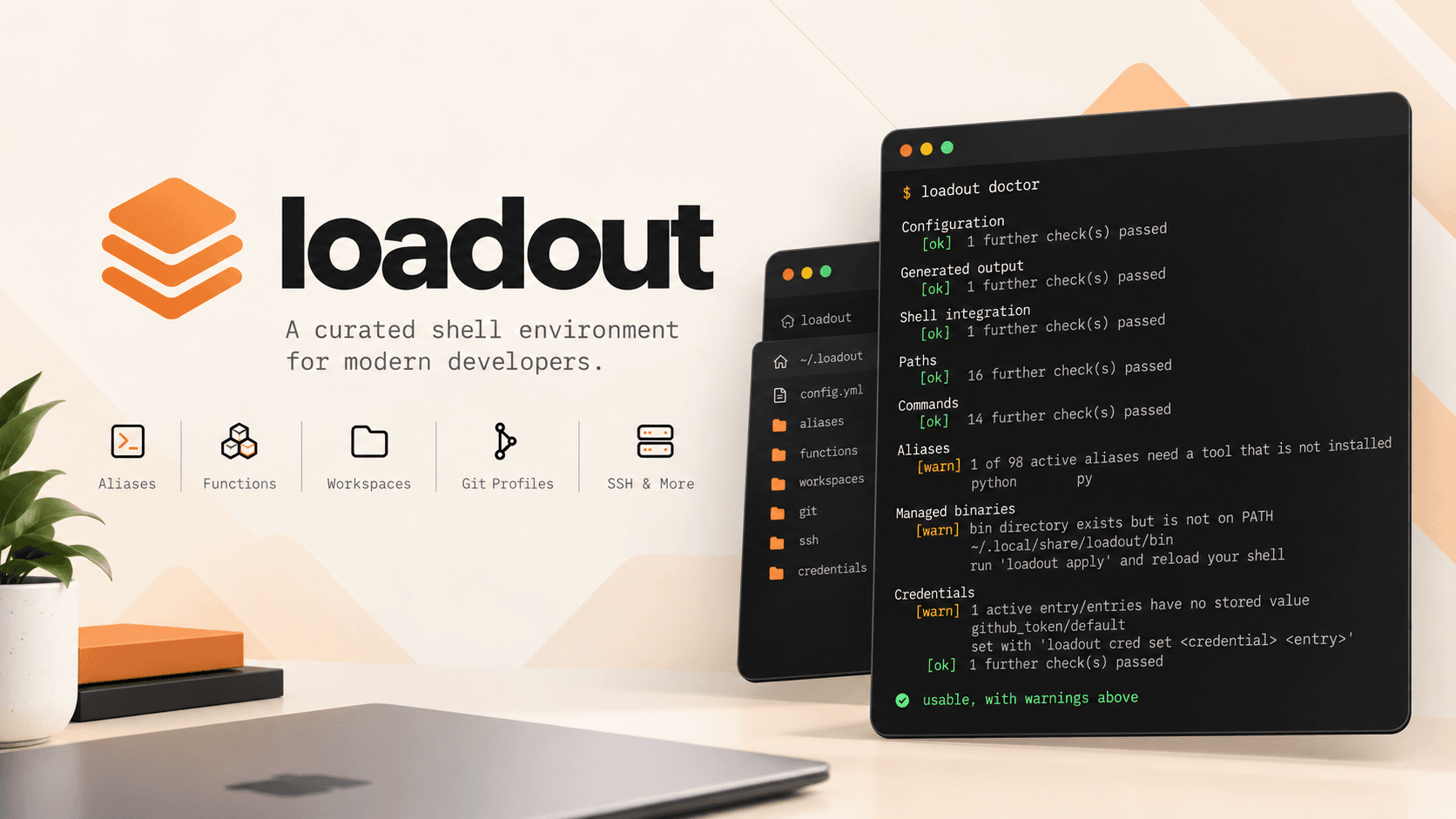
Loadout is a developer-focused CLI for building a consistent, personalized shell environment without maintaining a sprawling dotfiles repository. Instead of manually managing aliases, functions, SSH shortcuts, Git identities, workspaces, and machine-specific configuration, developers define what they need in a single YAML configuration and let loadout generate the shell environment for them. It supports Bash and Zsh across Linux and macOS, with built-in tooling for configuration validation, availability checks, syncing, and inspecting the generated environment
The challenge
Developer shell environments tend to grow organically. A few aliases become dozens, machine-specific shortcuts get mixed with shared configuration, and dotfiles eventually become difficult to understand, synchronize, or reproduce on another machine. Tools may also be missing on a particular system, causing commands to fail only when they are actually used.
I wanted a system that treated a shell environment as something that could be curated and generated, rather than accumulated. The configuration needed to remain portable and declarative while still supporting things that depend on shell state—such as changing directories, switching Git identities, managing SSH shortcuts, and working with tmux sessions
What I built
I built loadout as a Go-based CLI that maintains a catalog of shell capabilities and generates a single shell file from that catalog and the user's configuration. The catalog currently includes aliases and shell functions, with dependency declarations so loadout can identify unavailable tools before they cause problems. Configuration covers project paths, Git identities, SSH hosts, workspaces, and other developer-specific workflows
I also built supporting tooling around the core generator: doctor for diagnosing missing dependencies and configuration, sync for safely syncing configuration through a user-owned Git repository, a local web UI for browsing and previewing the generated environment, and verified binary installation for third-party tools. The generated shell is tested across Bash/Zsh and Linux/macOS, making the resulting environment predictable across machines
$ loadout doctorConfiguration [ok ] passedShell integration [ok ] passedPaths [ok ] 16 checks passedCommands [ok ] 14 checks passedAliases [warn] python is not installedManaged binaries [warn] bin directory is not on PATHCredentials [warn] github_token has no stored valueusable, with warnings above
- Role
- —
- Stack
- Go · HTML
- Status
- SHIPPED
Investment Nerds
Investing platform for Ghanaians at home and abroad, combining portfolio tracking, an investor community, and learning tools to help users at every level grow their wealth
qotm
A terminal-native quote tool: one considered programming quote each time you open a terminal, from a collection where every quote is sourced, checked and curated by people.